
How to Calibrate the iPhone Compass for Qibla
If the Qibla marker drifts, spins, or disagrees with another device, remove magnetic accessories, enable Compass Calibration and location access, then repeat the reading with the iPhone flat in a clear area.
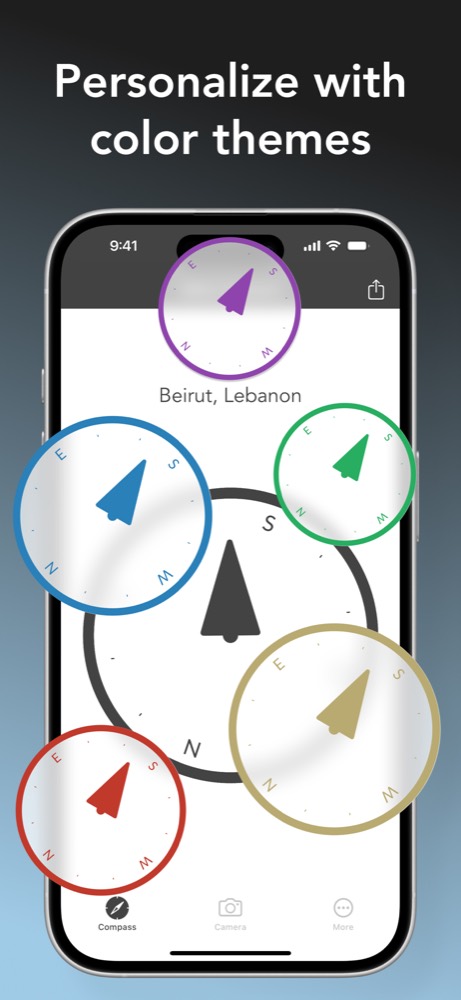
Start with interference, not the app
A digital compass reads the magnetic field around the phone. A MagSafe wallet, magnetic case, speaker, laptop hinge, steel table, or vehicle body can distort that field. Remove accessories and step several feet away from large metal objects before changing settings.
Test the phone in the middle of a room or outdoors. Hold it flat and rotate slowly. If the direction becomes steady there, the original spot was the likely cause. This simple comparison is more informative than repeatedly reopening the app beside the same interference.
Check iPhone location and calibration settings
- Open Settings and make sure Location Services is on.
- Allow Qibla Compass to use location while the app is in use.
- Under Location Services, open System Services and make sure Compass Calibration is enabled.
- Return to the app and wait briefly for the location and sensor reading to settle.
If iOS displays a calibration prompt, follow the movement shown on screen. Do not rely on a memorized gesture when no prompt appears. The important check is whether the reading becomes repeatable in a clear environment.
After checking calibration, reopen Qibla Compass and rotate away from the indicated line, then return. The marker should settle near the same direction.
Open the App StoreCompare readings correctly
When two devices disagree, place them in the same location and remove both cases. Test one at a time so the phones and accessories do not sit directly beside each other. Keep both screens level and wait for each marker to stop moving.
A small difference can result from sensor noise. A large or changing difference calls for another interference check. You can also compare the room line with a map-based direction, but remember that a flat map projection can make the shortest path to Makkah look unintuitive.
When to repeat the calibration check
Repeat these steps after attaching a new magnetic case, moving into a car or train, using the phone near audio equipment, or seeing a direction that changes every few seconds. You do not need to recalibrate before every prayer if the reading is stable in the same room.
When you establish a stable line, note a fixed feature in the room. Returning to that feature later is faster and avoids introducing a new sensor reading before every prayer.
Compass calibration questions
Does moving an iPhone in a figure eight always calibrate it?
Follow the calibration prompt when iOS presents it. More often, removing interference and checking Compass Calibration in Location Services produces the useful test.
Why do two phones show different Qibla directions?
Different cases, nearby metal, sensor state, or location accuracy can shift a reading. Test both phones flat in the same clear place before comparing them.