iPhone
Find the Qibla direction with a clean and focused experience designed for everyday use.
 Qibla
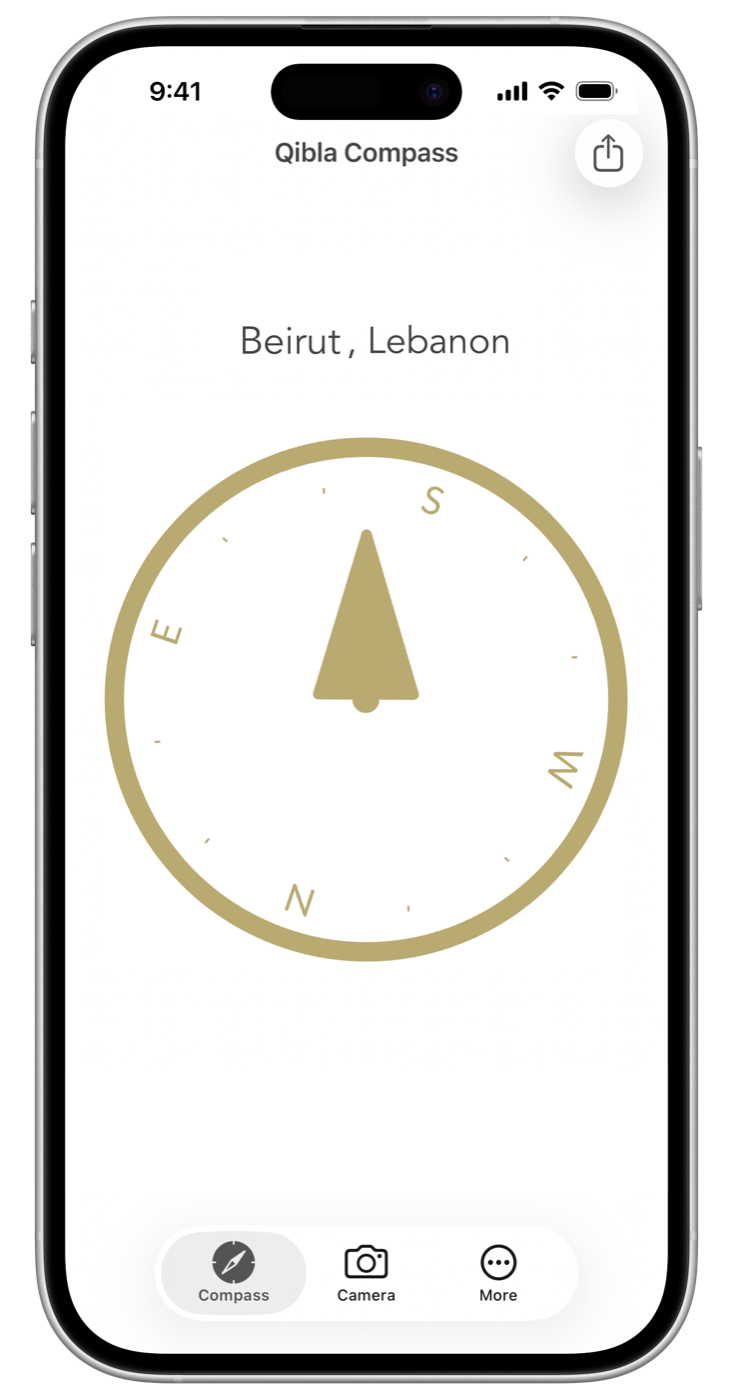
QiblaQibla Compass is a focused Qibla finder for iPhone, iPad, and Apple Watch. It uses your location and compass sensors to point toward the Kaaba in Makkah.
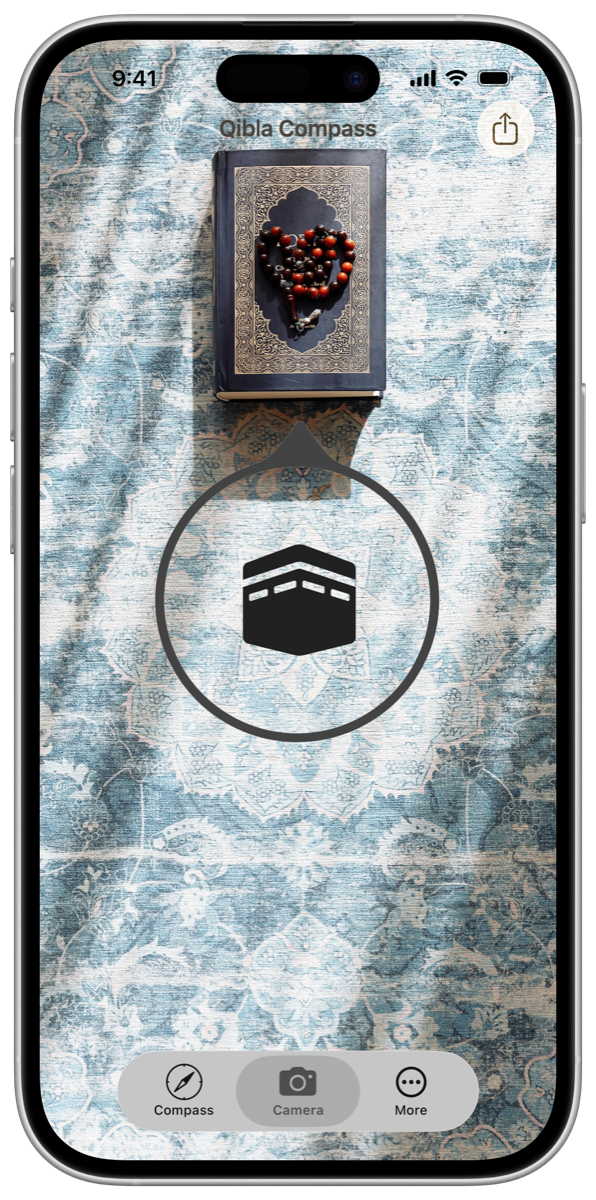
Check the prayer direction on the compass, see it over your surroundings in camera mode, or open it quickly from Control Center.
 2.19M Users
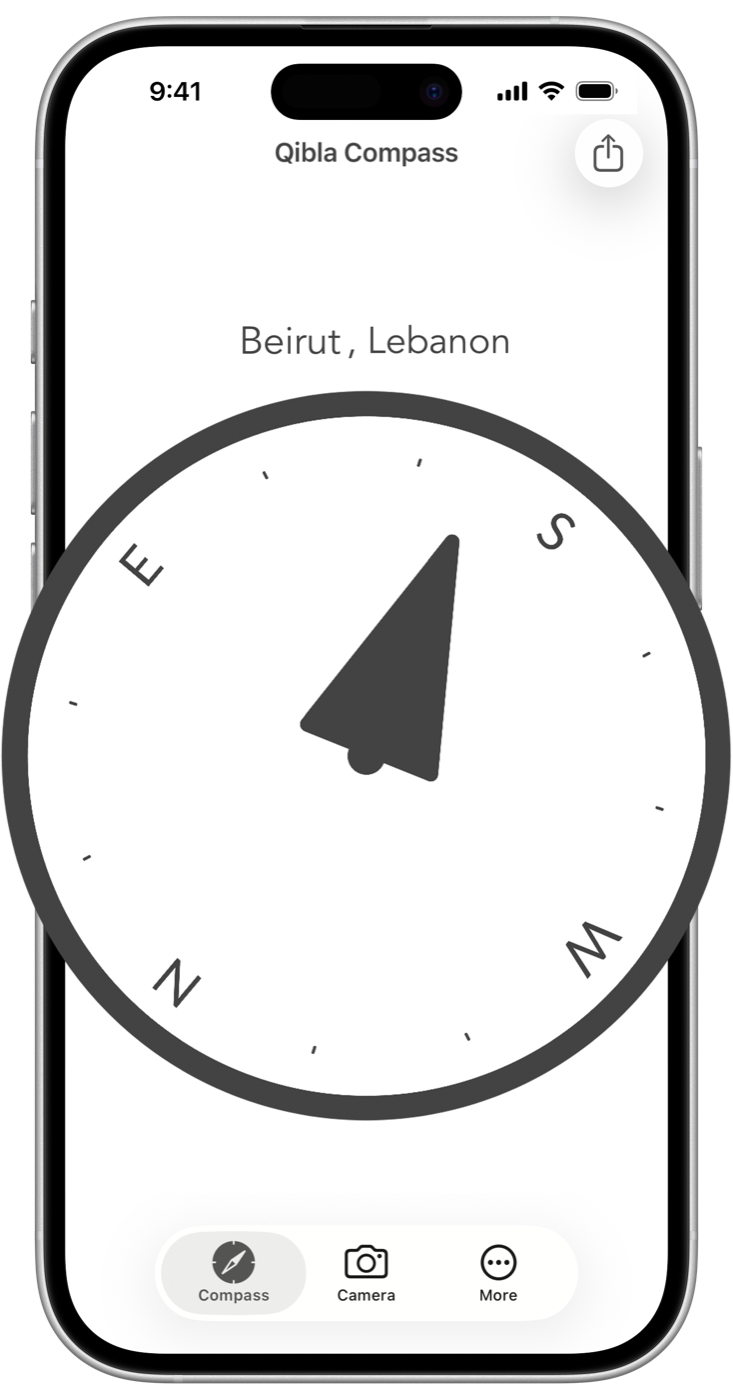
The app calculates the direction of the Kaaba from your current location, then uses the device compass to show where to face.
Hold your device flat and keep it away from magnets or metal objects for the clearest reading.
2.19M Users
Find the Qibla direction with a clean and focused experience designed for everyday use.
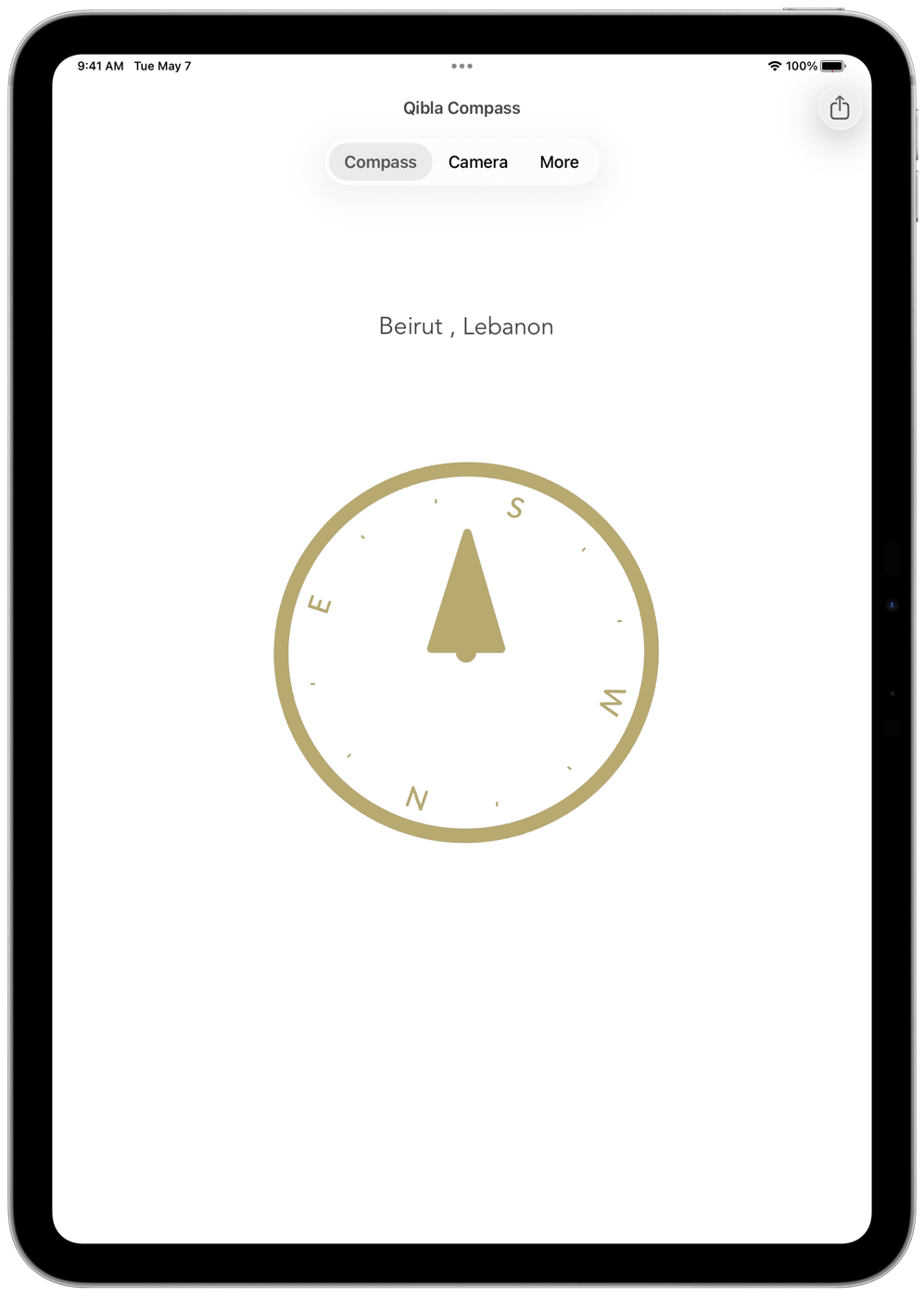
Use Qibla Compass on a larger screen with the same accuracy and simplicity.
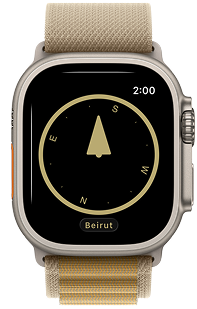
Check the Qibla direction directly from your wrist whenever you need it.
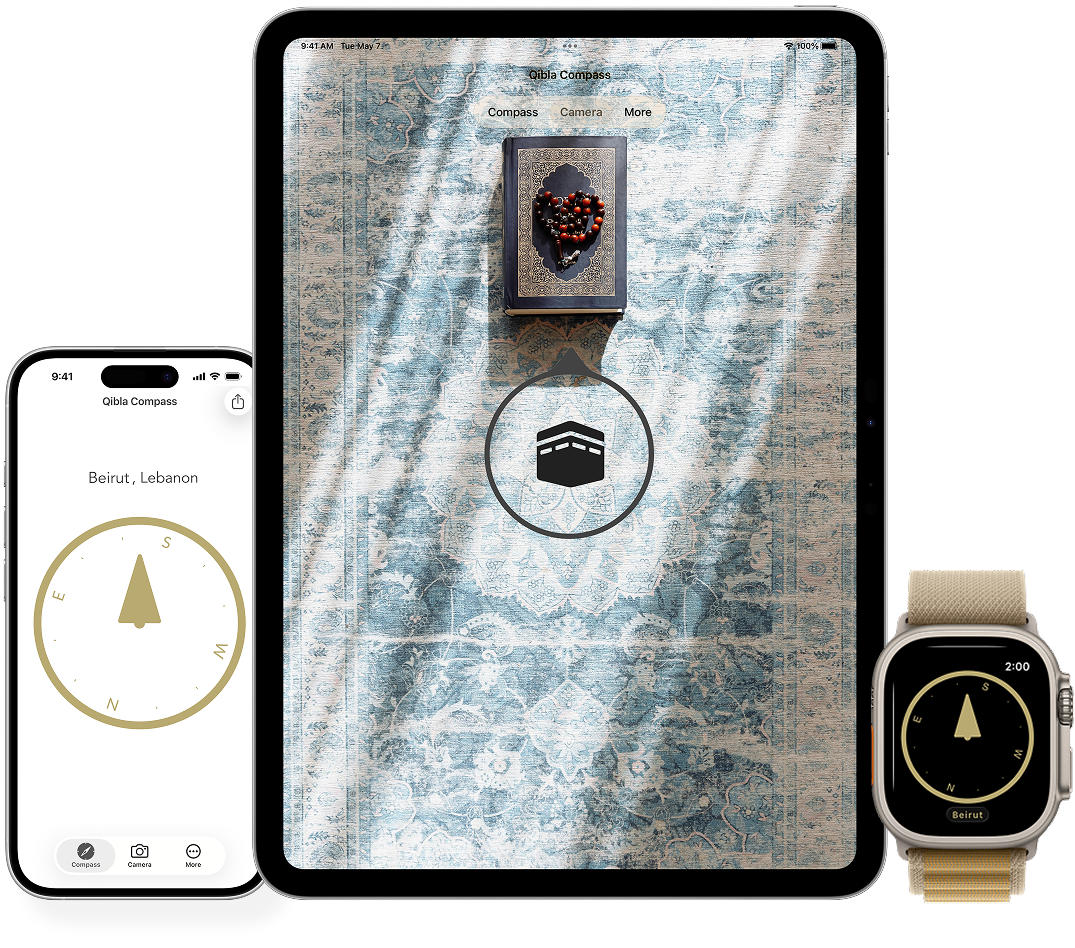

Add Qibla Compass or Qibla Camera to Control Center for quick access before prayer.

Use the camera view to place the Qibla marker over the room or space in front of you.

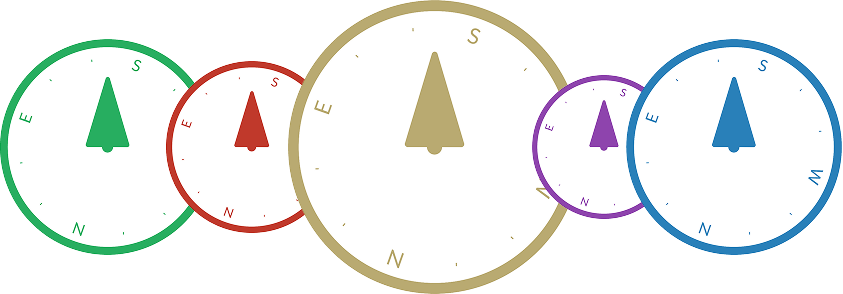
Choose from several compass colors, with full support for dark mode.

Check the Qibla direction from your wrist without taking out your iPhone.
 2.19M Users
Qibla Compass focuses on one job: showing the direction to the Kaaba when it is time to pray.
There are no prayer-time calendars or unrelated tools to work around. Open the compass, allow location access, and follow the direction marker.
Set location access, read the compass, and check the direction before prayer.
Fix a drifting or inconsistent Qibla reading by checking sensors and surroundings.
Get a dependable prayer direction in a hotel, airport, workplace, or outdoors.
Check the direction from your wrist and reduce magnetic interference.
Place the Qibla marker over your real surroundings to make the direction easier to follow.
Open the compass or camera view without searching through the Home Screen.
The Qibla is the direction Muslims face during prayer, toward the Kaaba in Makkah. Its compass bearing changes with your location.
The app uses your current location to calculate the bearing to the Kaaba. Your device compass then shows which way to face.
Yes. The app calculates the Qibla bearing from your current location, whether you are at home or traveling.
Yes. Qibla Compass includes an Apple Watch app, so you can check the prayer direction from your wrist.
Learn more →Follow the calibration prompt if it appears, hold the iPhone flat, and move away from magnets, metal furniture, or electronic equipment. Make sure Location Services and Compass Calibration are enabled in Settings.
Learn more →The compass uses your device location and sensors, so its core direction reading does not depend on loading a web page. Location permission must be enabled for the app to calculate your bearing.
Yes. Camera mode places the Qibla direction marker over the real surroundings shown by your iPhone or iPad camera.
Learn more →Add the Qibla Compass or Qibla Camera control to Control Center on a supported device. You can then open the selected view without searching for the app icon.
Learn more →Find the Qibla direction on iPhone, iPad, and Apple Watch.
2.19M Users